The Forbidden Tomes of Olipos System Requirements
Windows specs, display notes, and MV performance habits.
Specs at a glance
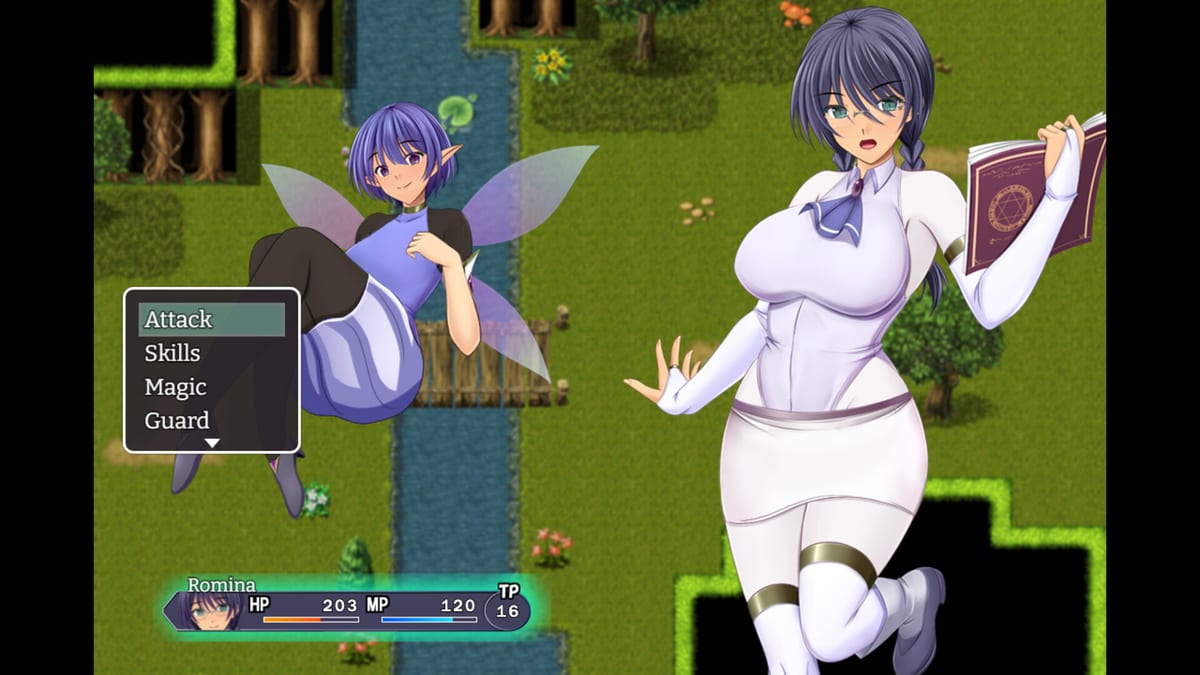
The Forbidden Tomes of Olipos is a Windows PC JRPG published by Kagura Games (Steam app 4466090) with a GOG twin. The original Konjikineko build is an RPG Maker MV lineage title, which shapes how it loads maps, menus, and audio. Use this page before you buy, before you blame a “broken” fight, and after you apply the OG Patch.
Minimum (Steam)
- OS: Windows 8 / 8.1 / 10 / 11
- CPU: Intel Core 2 Duo or better
- RAM: 4 GB
- GPU: DirectX 9 / OpenGL 4.1 capable
- DirectX: 9.0
- Storage: about 9 GB available
- Display: 1280×768 or better
- Notes: Lag may occur when loading menus or maps; close other programs before launch
Recommended (Steam)
- OS: Windows 11 / 10 / 8
- CPU: 2+ GHz processor
- RAM: 4 GB
- GPU: drivers with solid OpenGL / WebGL-capable support (Steam lists vendor driver examples)
- DirectX: 9.0
- Storage: Steam also lists a smaller recommended storage line—budget the ~9 GB minimum footprint to be safe
- Display: 1280×768 or better, same menu/map hitch warning
Steam’s client itself has moved toward Windows 10+ support for the launcher; if you are still on Windows 8 for legacy reasons, confirm the Steam client can run on your machine before you troubleshoot the game alone.
What “RPG Maker MV lineage” means in practice
MV games are not Unreal showcases. They are scriptable 2D RPG runtimes that:
- Stream maps and character sprites in bursts (first entry into Seal Cave or Dorna can hitch)
- Open menu and shop UIs that sometimes stutter on HDD or busy antivirus scans
- Run fine on modest CPUs when RAM is free, then feel “broken” when a browser eats 10 GB in the background
Hard-but-fair combat in Olipos is a gear and prep problem, not a 4K settings problem. If Morphin deletes you, fix silence gear via Boss Fights before you reinstall GPU drivers.
Performance tips that actually help
- Close heavy background apps before launch—Steam’s own note calls this out.
- Install on an SSD when you can; MV asset thrash is kinder on flash storage.
- Add an antivirus exclusion for the game folder if real-time scanning re-hashes every
.pngon boot. - Keep at least a few GB free beyond the install size so Windows pagefile and UAC temp extracts do not choke patching.
- Use borderless or native 1280×768+ resolutions; weird downscales sometimes introduce input lag illusions.
- After applying Kagura’s outside-Japan patch, do a Fulah smoke test (open menu, enter a shop, walk south toward Mottl) before you ferry to the Sealed Isle.
Laptop and integrated GPU notes
Integrated graphics that meet DX9/OpenGL 4.1 usually run Olipos. Problems appear when:
- Power plans park the discrete GPU and the iGPU driver is ancient
- Recording overlays (Discord, GeForce Experience) hook every DirectX call
- You alt-tab through ten Chrome windows during a Permidora attempt
Plug in AC power, set a high-performance plan, and disable overlays if battles hitch on spell animations.
Storage, DRM, and offline play
Kagura’s storefront copy is DRM-free and Windows-only; no always-on internet is required to play once installed. Steam/GOG still need their clients for first install and depot updates. Budget disk for:
- Base game (~9 GB class)
- Optional Kagura OG Patch archive (temporary download space)
- Save backups you should keep before patching
When specs are fine but the game feels unfair
That is usually design, not hardware. Olipos expects:
- Early grinding on the Fulah → Seal Cave road (Getting Started)
- Silence answers for Morphin
- Crafted Rainbow Orb (UR) and Heavenly Snake Eight-Radiance Stone (UR+) before Zahal & Olipos (Final Boss Prep)
- Medal trades up through Luminous Nova at 110 Shining Medals (Medal Rewards)
A Core 2 Duo-era checklist PC can still clear the finale if the kit is correct. A high-end PC cannot skip those crafts.
Multi-monitor, ultrawide, and accessibility
Stick near 16:10 / 16:9 styles that preserve UI readability. Ultrawide stretching is rarely worth it for MV HUDs. If text feels small, lower desktop scaling conflicts (150% OS scale + in-game stretch) by testing 100–125% OS scaling. Glasses toggle and menu habits are covered in Controls.
Patch day hardware checklist
Before you download Kagura’s Steam/GOG Patch v1 family:
- Confirm you play outside Japan (patch restriction)
- Confirm free disk for archive + extract
- Confirm you can re-download the base game if a bad overwrite happens
- Re-read OG Patch for the official instruction link
Related reading
- Launch timeline: Updates Hub
- First session route: Getting Started
- Combat expectations: Combat & Magic
- Store page: Steam app 4466090 for live requirement text if Valve edits the table
Closing bench note
Treat system requirements as the library building code: they keep the lights on, but they do not shelve the forbidden tomes for you. Meet the Windows, RAM, and 1280×768 bar, keep the disk honest, apply the correct regional patch, then spend your attention on Fulah prep and boss kits. When a hitch remains after that, it is usually an overlay or antivirus ghost—not a missing RTX card.
Frequently Asked Questions
Quick answers for librarians chasing forbidden tomes.
What is the minimum OS?
Windows 8/8.1/10/11 per Steam minimum; confirm your Steam client still supports your OS.
How much storage do I need?
Plan around the ~9 GB minimum available space line, plus room for patch archives and save backups.
What resolution is required?
1280×768 or better.
Is this an RPG Maker game?
Yes—the Konjikineko build is RPG Maker MV lineage, which explains menu/map load hitch notes.
Where is the Kagura patch explained?
See [OG Patch](/updates/og-patch/) for outside-Japan Steam/GOG patch download and warnings.